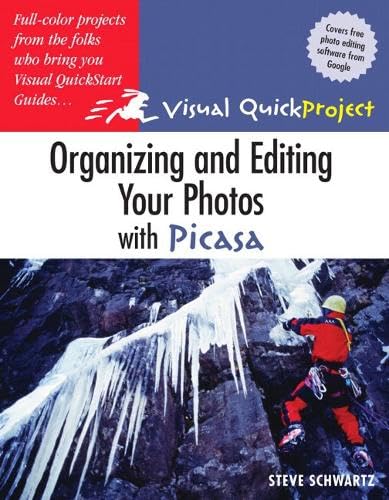
Organizing and editing your photos with Picasa
Material type: TextSeries: Visual quickproject guidePublication details: Berkeley, Calif. : USA Peachpit 2005Description: xvi, 142 p. : col. ill. ; ; 23 cmISBN:
 - 9780321369017
- 006.686
| Item type | Current library | Home library | Collection | Call number | Copy number | Status | Barcode | |
|---|---|---|---|---|---|---|---|---|
 Books
Books
|
MDIS Tashkent Learning Resource Center | MDIS Tashkent Learning Resource Center | Book;Reference;Reference Section (LRC B) | 006.686 (Browse shelf(Opens below)) | 1 | Available | TKB002331 |
Browsing MDIS Tashkent Learning Resource Center shelves Close shelf browser (Hides shelf browser)


Age Group: Adult
Introduction -- Installing the software -- Picasa essentials -- Viewing photos -- Organizing pictures -- Editing photos: basic fixes and tuning -- Editing photos: effects -- Printing and emailing photos -- Special features and projects -- Saving and backing up photos -- Sharing photos with Hello -- Index.
Includes index (p. 135-142)
Picasa 2, a free download from Google, is a multi-purpose program which the author describes how to use "to take control of and organize all the digital images on your hard disk, CDs and DVDs. It doesn't matter where the images originally came from -- whether they were taken with a digital camera, scanned, received in email, or downloaded from the Web." Many full-color illustrations demonstrate the program's capabilities. Use of other programs such as Hello, a free chat utility from Google, and using Picasa /Hello combinations to upload images to a blog are also covered.
There are no comments on this title.